01 / Property search
Start in plain English
Describe the owners and properties you want to find, then refine the search with structured filters. Spend your time evaluating opportunities instead of translating your strategy between tools.
Find the properties that fit your strategy. Start with a plain-English search, refine the details, and turn promising matches into a list you can work.
Get to know property search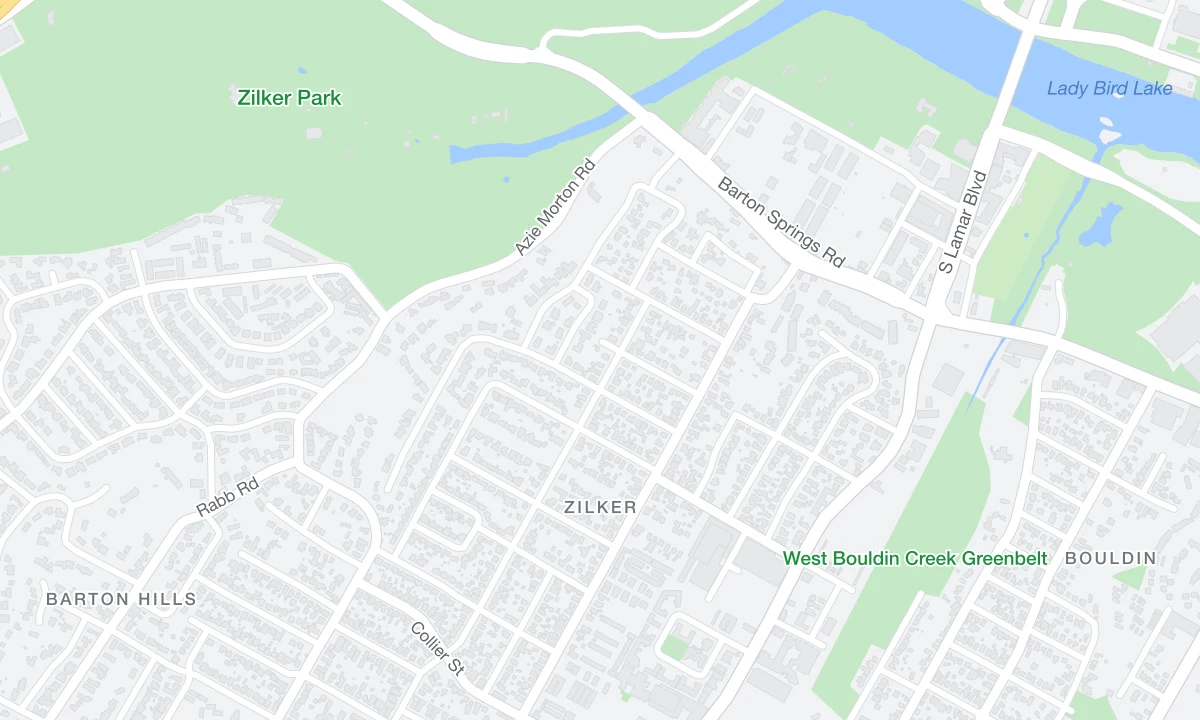 Map data © OpenStreetMap contributors
 1847 Maple Grove AveAustin, TX62% equity
 212 Barton Hills DrAustin, TX48% equity
 905 Juniper StAustin, TX71% equity
A city full of properties is not a prospecting strategy. Spur helps you narrow the field around the ownership and property signals that matter to your next conversation.
Describe the owners and properties you want to find, then refine the search with structured filters. Spend your time evaluating opportunities instead of translating your strategy between tools.
Work with location, property type, equity, ownership tenure, vacancy, and listing status where coverage supports them. Combine criteria to make your audience more specific.
Use map and list views to understand where a property sits and which facts make it relevant. Review the signals behind lead scores before deciding what belongs on your list.
Save the properties you want to pursue. Continue into owner enrichment and outreach with the property context attached, or make the search part of a recurring workflow.
Start with your strategy, work through the matches, and carry the property context into owner research. Each step gives the next one a stronger foundation.
Choose your geography and property type. Add the ownership or equity criteria that support your strategy.
Review the map, property details, and available signals. Adjust your criteria before building your list.
Save your prospects, uncover available owner contacts, and prepare the right first touch.
A useful capability becomes more powerful when it fits the way you work. Find your starting point.
Explore long-held, absentee-owned, or vacant properties in the markets you understand.
Explore For agentsBuild a focused geographic audience with the ownership context to make your outreach relevant.
Explore For service businessesIdentify property audiences within the neighborhoods and property types your team serves.
ExploreYes. Start with a location and property criteria. You can research the owners behind your selected properties afterward.
Spur supports criteria such as location, property type, equity, ownership tenure, vacancy, and listing status. The filters and records available depend on the provider and coverage.
Yes. Use a saved search in a scheduled search automation to bring new matches into your prospecting process. Review the setup and estimated usage before activating it.
Data usage depends on the source and search. Automation runs use actions. The pricing page explains provider-specific data rates and action usage.
Yes. The Spur connector supports conversational property research and list preparation using your Spur account and permissions.
Bring your strategy. Build a property list with a purpose.
Start free. No credit card required.